I’m excited to announce I have completed the “Proof of Concept” phase and am now working on the “Early Adopter” milestone.
What we learned from the Proof of Concept
You can see the result our the PoC phase in the Wild CLoud PoC repo. The PoC contains a set of bash scripts that fully set up and manage a Wild Cloud cluster and allow you to install a number of apps.
I now have two full Wild Cloud instances running on my LAN and have been hosting a number of assets on them for several months (including this forum!). The concept works!
During the PoC, I spent many cycles investigating the UX of the whole product. For Wild Cloud to truly be accessible, it needs to allow non-professionals to be able to operate their own clouds.
At first, I thought we might be able to hide the complexity of managing a local cloud with reliable components and automation–make it so users never even have to deal with things that we can deal with for them. This drove decisions such as the adoption of Talos Linux (reliable, small Linux images with tiny API interfaces) and adopting kustomize over Helm charts (transparency, simplicity). But even so, it became quickly apparent that we can’t (shouldn’t rather) hide core technical concepts from the users. They DO need to know concepts like DNS, LAN, OS, ISOs, clusters, etc. to truly be empowered. Hiding these behind “familiar analogies” might be good for a commercial products meant to create reliance on their creators, but in an open ecosystem, not really knowing how things work limits the user.
One way we can address this is to educate the user as we go. I spent some time working through what onboarding might look like if we had this goal. We could introduce definitions or core words as needed, and then use those words consistently. We could have links to short articles that explain things further to people as needed. Let people self-identify with whether they want to learn or just get things done. Assume curiosity.
This helped, but it was all still too difficult. There were too many steps. No matter how much I tried to set sane defaults, make the commands simple and logical, provide reasonable output in the scripts, it became evident that we would need a Wild Cloud app to reduce the user learning curve while keeping the command-line access for users to integrate Wild Cloud into their own systems.
A related issue was the difficulty of the first few steps of the setup: (1) setting up an “operator machine”, a Wild Cloud management environment, and (2) setting up a separate dnsmasq server. These are simply too many conceptual hurdles for many people.
These lessons led directly to our “Early Adopter” phase designs.
The Early Adopter solution: Wild Central!
What we needed was:
- An easier way to set up a Wild Cloud operator environment.
- Some way to eliminate the separate dnsmasq server.
- An interface that was more accessible than the command line.
- The ability, though, to still use infrastructure-as-code principles, keeping all wild cloud data still easily observable and editable for contributors, maintainers, and advanced users.
- An easier way to introduce people to all of the concepts.
Introducing… Wild Cloud Central, a network appliace for managing your Wild Clouds. Now, you can simply set up a Wild Cloud Central in a few steps on something as inexpensive as a Raspberry Pi and then point your browser to it to manage your wild clouds.
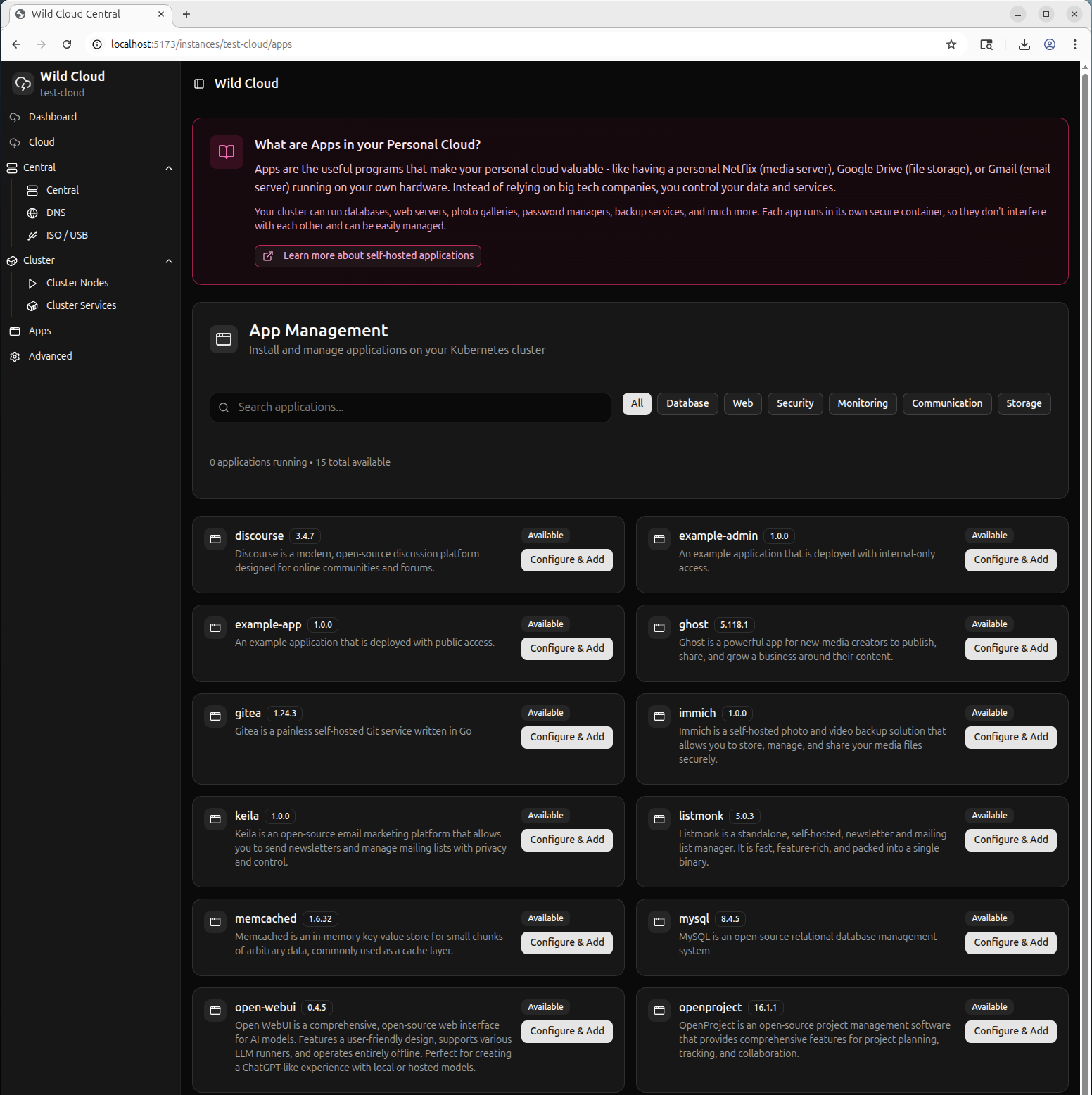
Wild Cloud Central will run the Wild Cloud API, a web service, and host the Wild Cloud App, a web app that makes managing your web app much simpler. For the advanced user, you can use the Wild Cloud CLI, a command line tool for interacting with the Wild Cloud API and you can still access your wild cloud files directly on Wild Central using VS Code or other techniques. Wild Cloud Central also runs its own dnsmasq server allowing for additional Wild Cloud LAN-wide features such as PXE booting, DHCP assisgnment, and, most importantly DNS resolution to wild cloud services on your LAN.
I’m quite a ways along towards our Early Adopter milestone. You can watch the progress of development in our git organization at https://git.civilsociety.dev/wild-cloud.